Step 1. In the “Shop” tab, click “Sale” in the top bar, then select “Last Transactions”.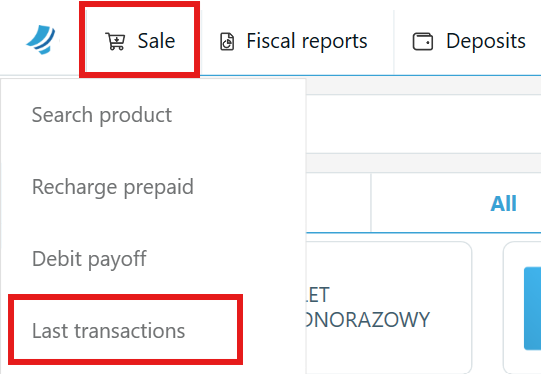
Step 2. To view all successful transactions, select the “Active” checkbox.
From here, you can also change the payment method or reprint a receipt.
Step 3. To view all rejected transactions, select the “Inactive/Failed” checkbox.
If the window is empty after selecting the checkboxes, it means there were no transactions on that day.